 SmartSurf
Look up a board
Review its last reported position, device status and recorded route when those data are available. Tracking depends on a linked, reporting device and network coverage.
Watersports use cases
SmartSurf helps riders and schools review reported positions, changing conditions and session records. It makes available evidence easier to see; people remain responsible for interpreting it and deciding what to do.
Coverage, device reporting, source freshness and alert delivery affect what is visible. SmartSurf is not an emergency service and does not dispatch rescue.
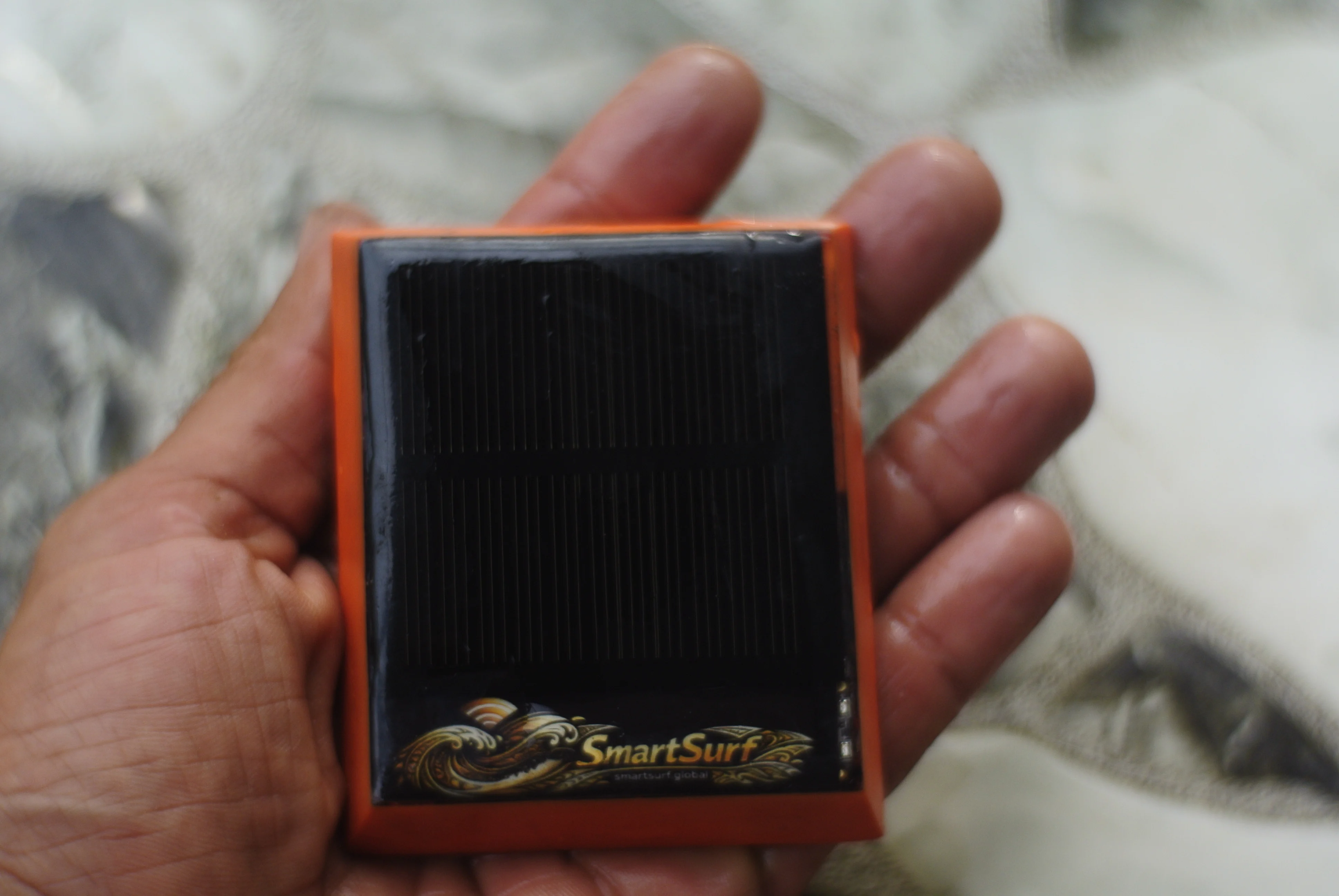
Before and after a session
The map can show linked tracker positions and their reported freshness. A stale or missing fix is evidence of a reporting gap, not a live view of where an item is now.
Review its last reported position, device status and recorded route when those data are available. Tracking depends on a linked, reporting device and network coverage.
Save spots and review available conditions, source timing and evidence gaps in the SmartSurf app.
Review saved sessions and tracker history. Routes and distance use recorded fixes; gaps are not filled with estimated movement.
Rider workspace
Riders can use profile preferences, saved spots and Watchdogs to follow selected condition ranges and duration rules.
Configure wind or wave thresholds and a minimum duration for a saved spot or eligible active lesson. A Watchdog reports when its configured rule matches available data; it does not determine that conditions are safe.
Ask SmartSurf for a text response grounded in available spot context and profile information. Review the underlying evidence and freshness, especially when readings are missing or old.
Paired rider and board
Pair two reporting devices and configure a separation rule. SmartSurf can alert when fresh positions satisfy that rule.
What this depends on: both devices must be paired, reporting usable GPS positions and reachable through their network paths. Different fix times can make separation uncertain; alerts may be delayed or unavailable. This is position awareness, not an autonomous risk assessment or rescue response.
Schools and instructors
School workflows support lesson-scoped consent and time-limited access for assigned staff. The instructor view depends on an active assignment, consent and current permissions.
Participants can consent to sharing for an exact lesson. Access expires with its scope, and assigned staff see only authorized lesson information.
Schools can record manual fleet checkouts and returns. A checkout record is an operational entry, not proof that a device is transmitting or physically with its assigned rider.
Authorized staff can review and print available lesson reports on demand. Reports reflect recorded information and the access that remains authorized at the time of review.
Phone app and sharing
The SmartSurf Android Companion supports messaging and calls through the web or phone app, with access scoped to configured groups and consent.
Compatible phone app flows support accepted calls and messages between authorized participants. Availability depends on connectivity, permissions and app setup. Check the installed app version and headset before relying on a communication setup.
Use the relevant lesson or group scope and review who has access. Position and session information is sensitive; do not assume a device or contact is reachable just because it appears in a list.
Groups and longer sessions
For a downwind session or group outing, connected devices can help participants review last reported positions. The group still needs its own route, check-in and response plan.
Plan around uncertainty: SmartSurf does not promise continuous coverage, arrival-time predictions, route safety or dispatch. Keep independent communication and local safety procedures in place.
Senlay condition context
Senlay provides condition context through available sources. The SmartSurf app surfaces reported values, source freshness and gaps where available so riders can make their own informed decisions.
Review available wind and wave context for a saved spot, check when sources were updated and note missing evidence.
Watch configured thresholds and connected-device reports when data is available. A change in data is context for a person to assess.
Review recorded sessions and available history with their timing and gaps. SmartSurf does not infer a complete story from missing fixes.
Decision support only: readings and forecasts can be incomplete, delayed or unsuitable for local conditions. They do not replace direct observation, training, local advice or emergency services.